

Airtel free browsing is back in 2025, and Stark VPN makes it easier than ever. Many users report smooth browsing, fast downloads, and uninterrupted connectivity without any active data plan. This guide will show you the latest working settings, servers, and step-by-step instructions to enjoy free Airtel browsing throughout 2025.
As a solution focused website, we understand not all of us will be able to afford sustainable data plan every time, that’s why we have made this research and come out with this solution, below is all you need and all you need to do to use this free internet connection on your devices
What You Need Before You Start
- An Airtel SIM card (Preferably without data)
- Stark VPN app (latest version having the latest tweaks, download HERE)
- A smartphone (Android preferred)
- Stable internet connection (for initial VPN setup)
Step-by-Step Airtel Free Browsing Setup
Step 1: Install Stark VPN
- Download the latest Stark VPN APK HERE.
- Allow installation from unknown sources if using Android.
- Install the app and open it.
Step 2: Configure the VPN
- Click of select tweak
- Select Airtel 500MB Daily or 100MB if the 500MB fails to connect
Step 3: Connect
- Tap Connect.
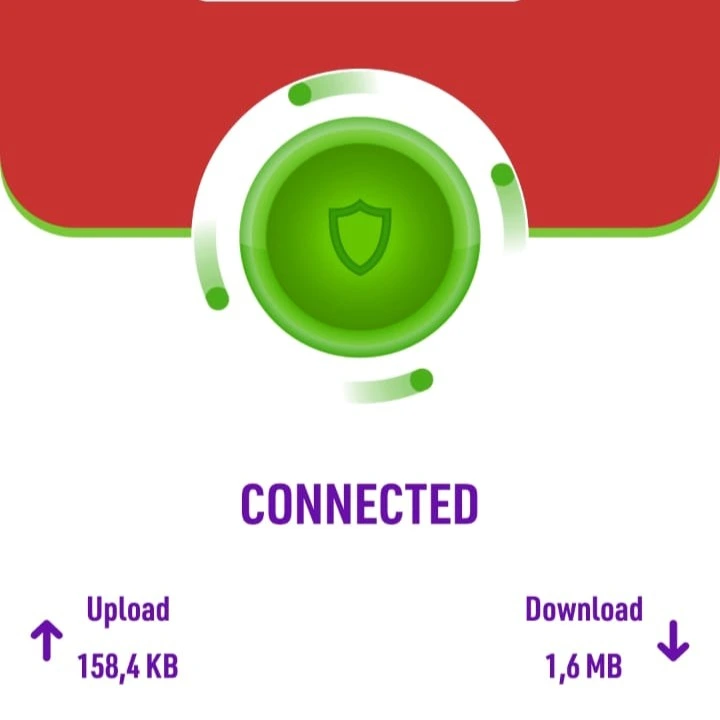
- Wait for the “Connected” status.
- Open your browser or social apps to confirm free browsing works.
Step 4: Tips for Stable Connection
- Avoid heavy downloads initially.
- Reconnect if the VPN disconnects.
- Use the recommended Airtel servers only.
FAQs
Q1: Will this work on any Airtel SIM?
Yes, but it works best on active SIMs with limited or zero data balance.
Q2: Is it safe?
Yes, Stark VPN encrypts traffic, but avoid sensitive transactions while using free browsing.
Q3: Can it be used on iPhone?
Yes, but configuration may differ slightly. Use the iOS version of Stark VPN.


